
Instructions to use onethousand/AnimPortrait3D_controlnet with libraries, inference providers, notebooks, and local apps. Follow these links to get started.
- Libraries
- Diffusers
How to use onethousand/AnimPortrait3D_controlnet with Diffusers:
pip install -U diffusers transformers accelerate
from diffusers import ControlNetModel, StableDiffusionControlNetPipeline controlnet = ControlNetModel.from_pretrained("onethousand/AnimPortrait3D_controlnet") pipe = StableDiffusionControlNetPipeline.from_pretrained( "SG161222/Realistic_Vision_V5.1_noVAE", controlnet=controlnet ) - Notebooks
- Google Colab
- Kaggle
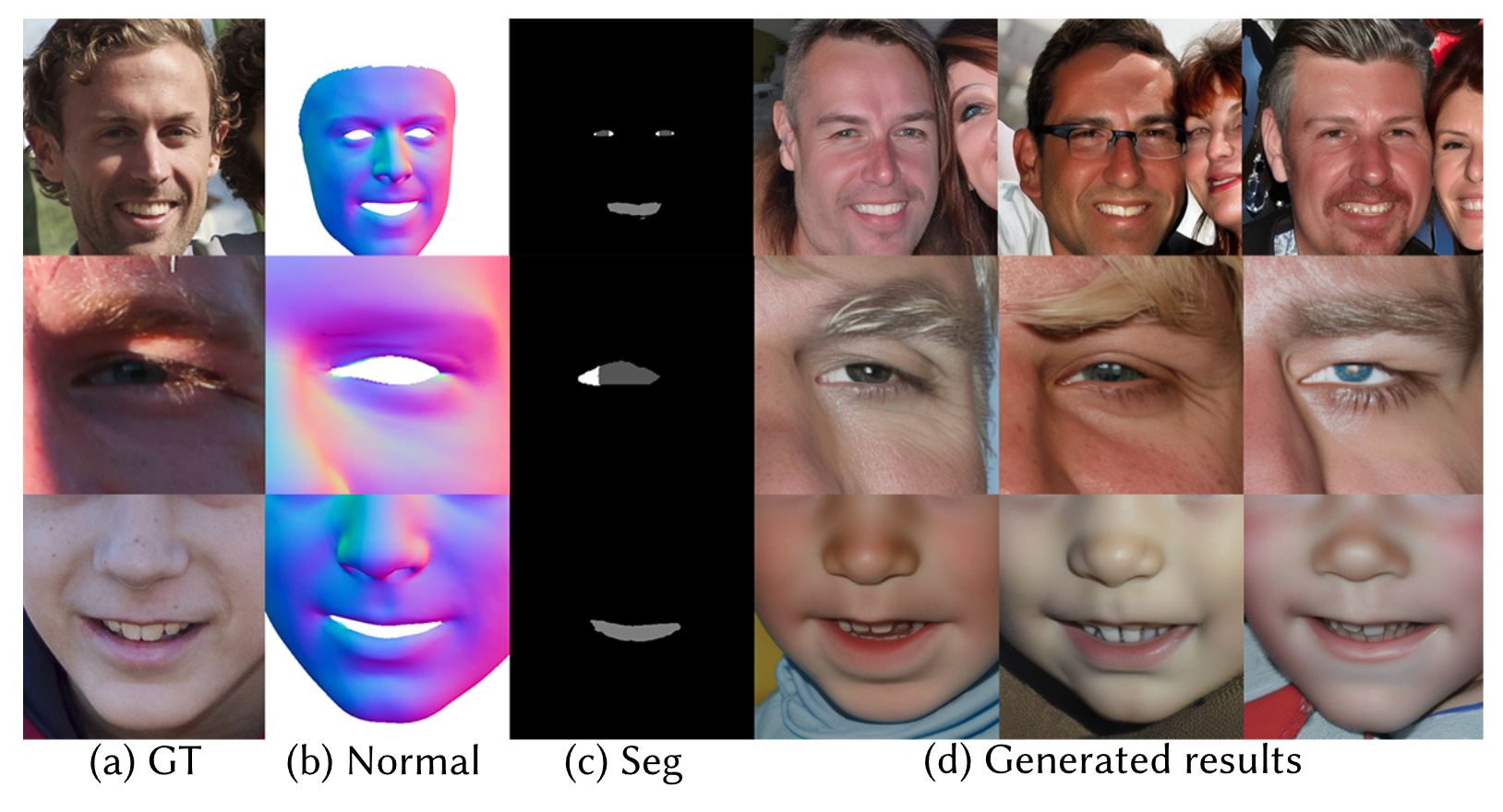
Download assets/controlnet.png from onethousand/AnimPortrait3D_controlnet: direct link, hf CLI and curl.
- Browser
- Download file 1.28 MB
-
https://huggingface.co/onethousand/AnimPortrait3D_controlnet/resolve/main/assets/controlnet.png
- Command line
-
hf download hf://onethousand/AnimPortrait3D_controlnet/assets/controlnet.png
-
curl -L -o controlnet.png https://huggingface.co/onethousand/AnimPortrait3D_controlnet/resolve/main/assets/controlnet.png
1.28 MB

- Xet hash:
- a6dde1f43c0f39a6e6197dcb2746b15b1f39290a3a0f361e7d143cba1c6b2fbe
- Size of remote file:
- 1.28 MB
- SHA256:
- 042fe3599be2694a3da27d8b1d221dd63c3e9b3a0afaca3d725697ff51185f00
·
Xet efficiently stores Large Files inside Git, intelligently splitting files into unique chunks and accelerating uploads and downloads. More info.